KiCad 10 Hardware Templates:
Stop Redesigning the Same Circuits
Reusable KiCad 10 hardware templates: schematic plus PCB layout fragment, a documented interface, specs and parts with LCSC codes. Built for our own products and released block by block.
Recommended starting point
0140 ESP32-S3 core with the WROOM-2 module
16 MB flash and 8 MB PSRAM, native USB on a USB-C connector with ESD protection, BOOT and RESET buttons, and all free GPIOs on hierarchical labels.
Why start here
- Free.
- Interface, specs and design notes documented on the page.
- Combines with the power, measurement and switching blocks below.
Two Ways to Use the Blocks
Templates
Drop the KiCad source into your own design and adapt it. Full control over layout and routing.
PCB Composer
Pick blocks as tiles, map the connections, and we route them into one board. No KiCad needed.
How PCB Composer will work
Planned once the blocks are rule-checked tiles.
Step 1
Select tiles
Pick blocks from the catalog: power, MCU, sensing, switching.
Step 2
Configure signals
Map GPIOs, power nets and I²C/SPI connections between the tiles.
Step 3
Get your files
We compose, route and DRC-check the board and deliver Gerbers, BOM and assembly files.
Every project re-invents the same wheel
ESP32-S3 core, buck supply, MPPT charger, load switch, current monitor. You've designed each one before, or spent hours hunting for a reference you can trust.
These are the blocks we use in our own hardware: parts from one curated library with LCSC codes, a documented interface, and notes on the non-obvious decisions. Each block carries a version and a status, so you can see how far it has been checked.
All Templates
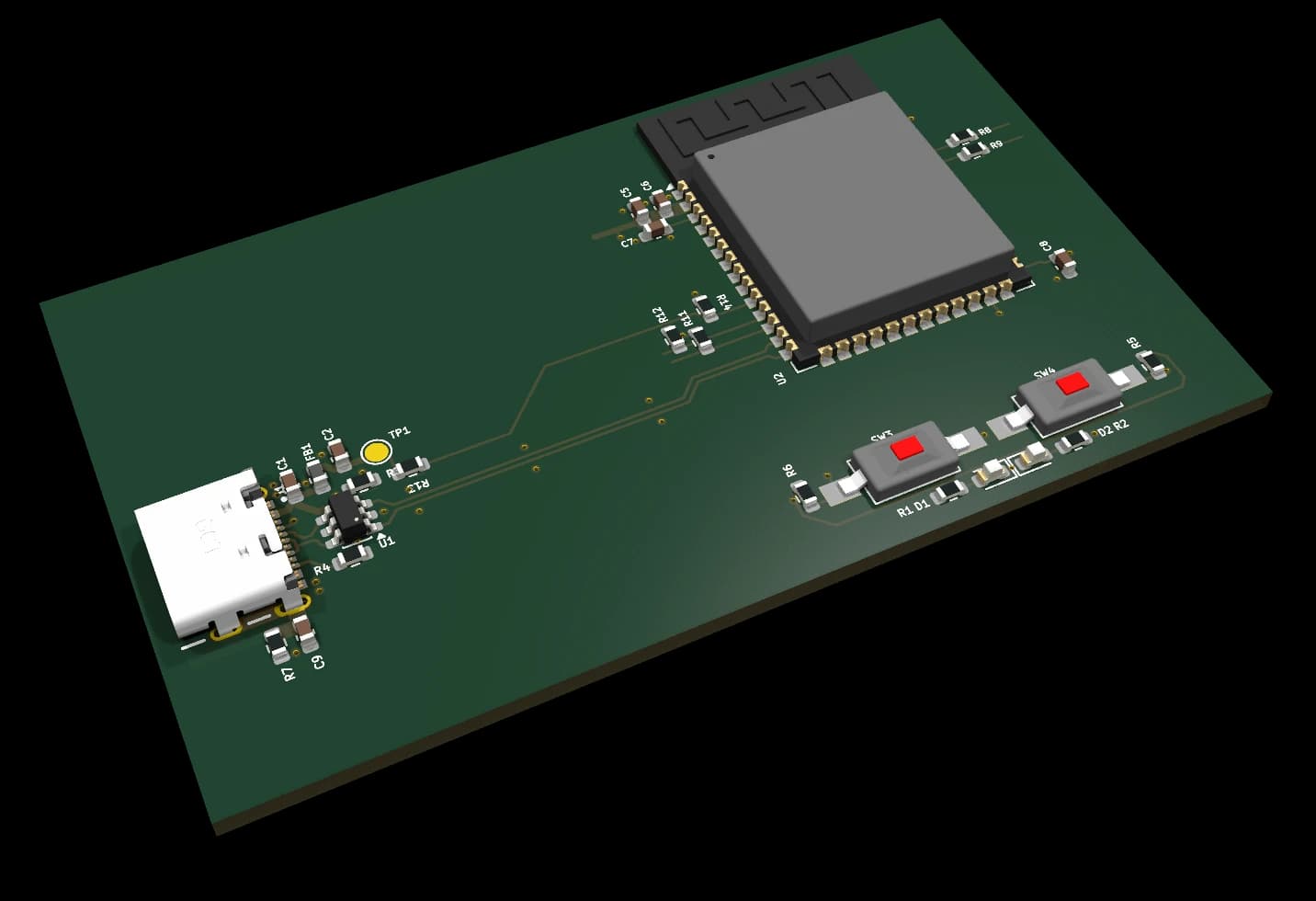
ESP32-S3 core controller, WROOM-2 module
Free KiCad 10 design block: ESP32-S3-WROOM-2 (16 MB flash, 8 MB PSRAM) with native USB-C, ESD protection, BOOT/RESET buttons and 22 GPIOs on labels.
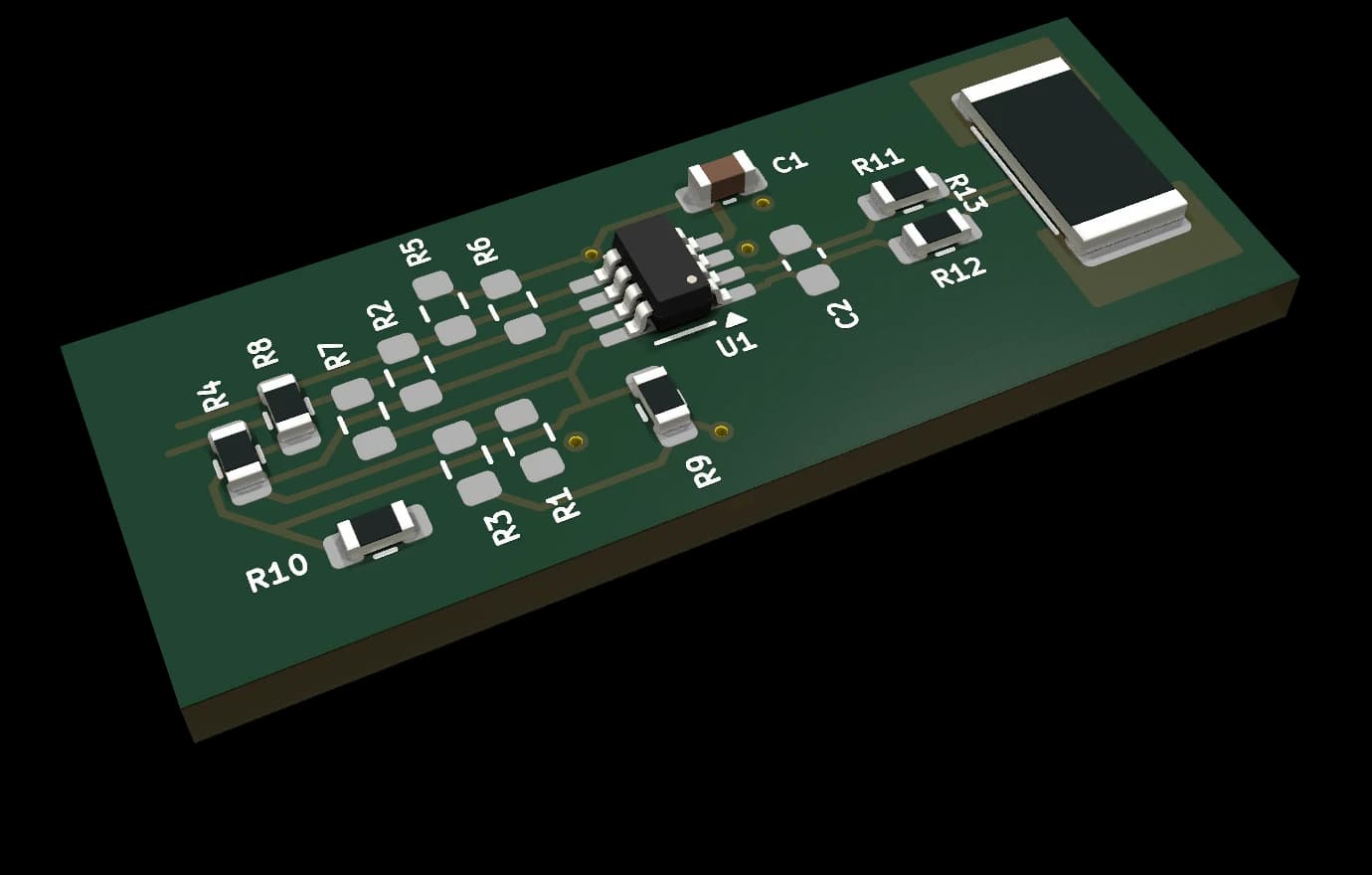
Current / power measurement 5 A, 25 V (INA219)
KiCad 10 design block: TI INA219 high-side current, bus-voltage and power monitor on I²C with a 22 mΩ shunt, 5 A at up to 26 V and selectable address.
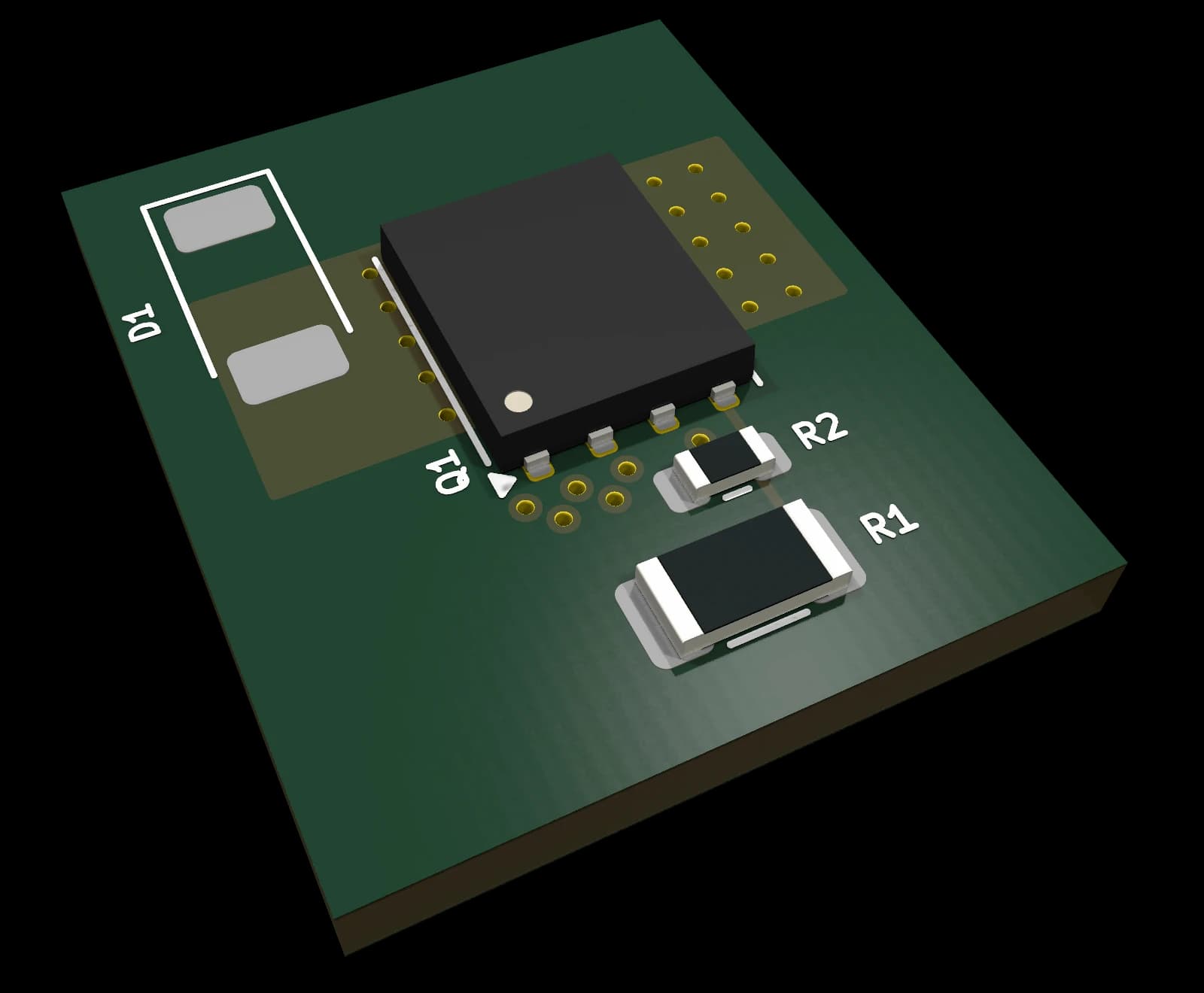
Low-side switch 5 A, 24 V (NTMFS5C442NL)
KiCad 10 design block: logic-level N-MOSFET low-side switch for pumps, LED strips and solenoids, 24 V / 5 A, PWM-capable from a 3.3 V GPIO.
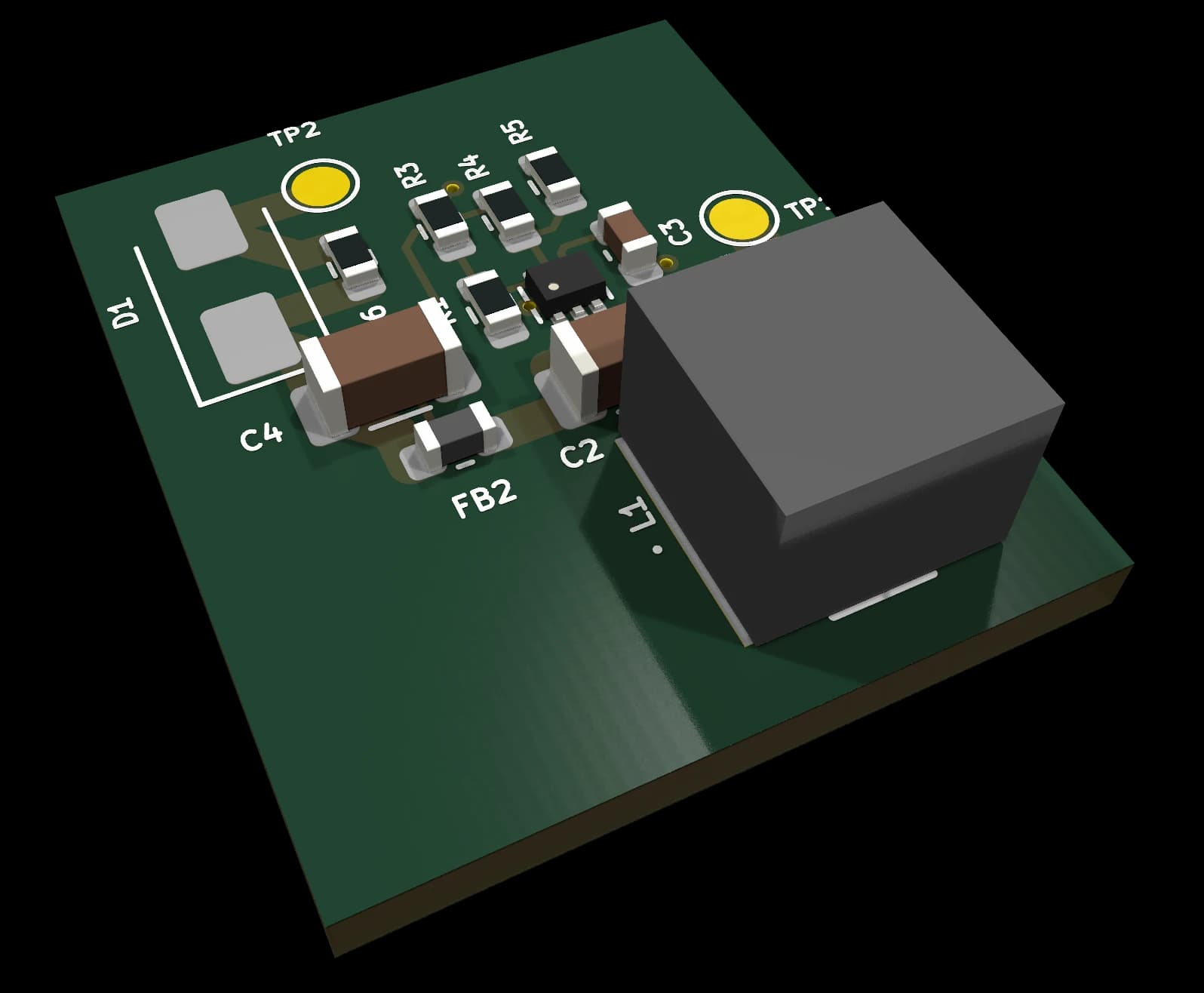
Buck converter 3.3 V / 5 V, 2 A, Vin up to 17 V (TPS562203)
KiCad 10 design block: TI TPS562203 synchronous buck, 4.5–17 V in, 3.3 V / 2 A out (4.93 V option), with optional reverse-polarity diode.
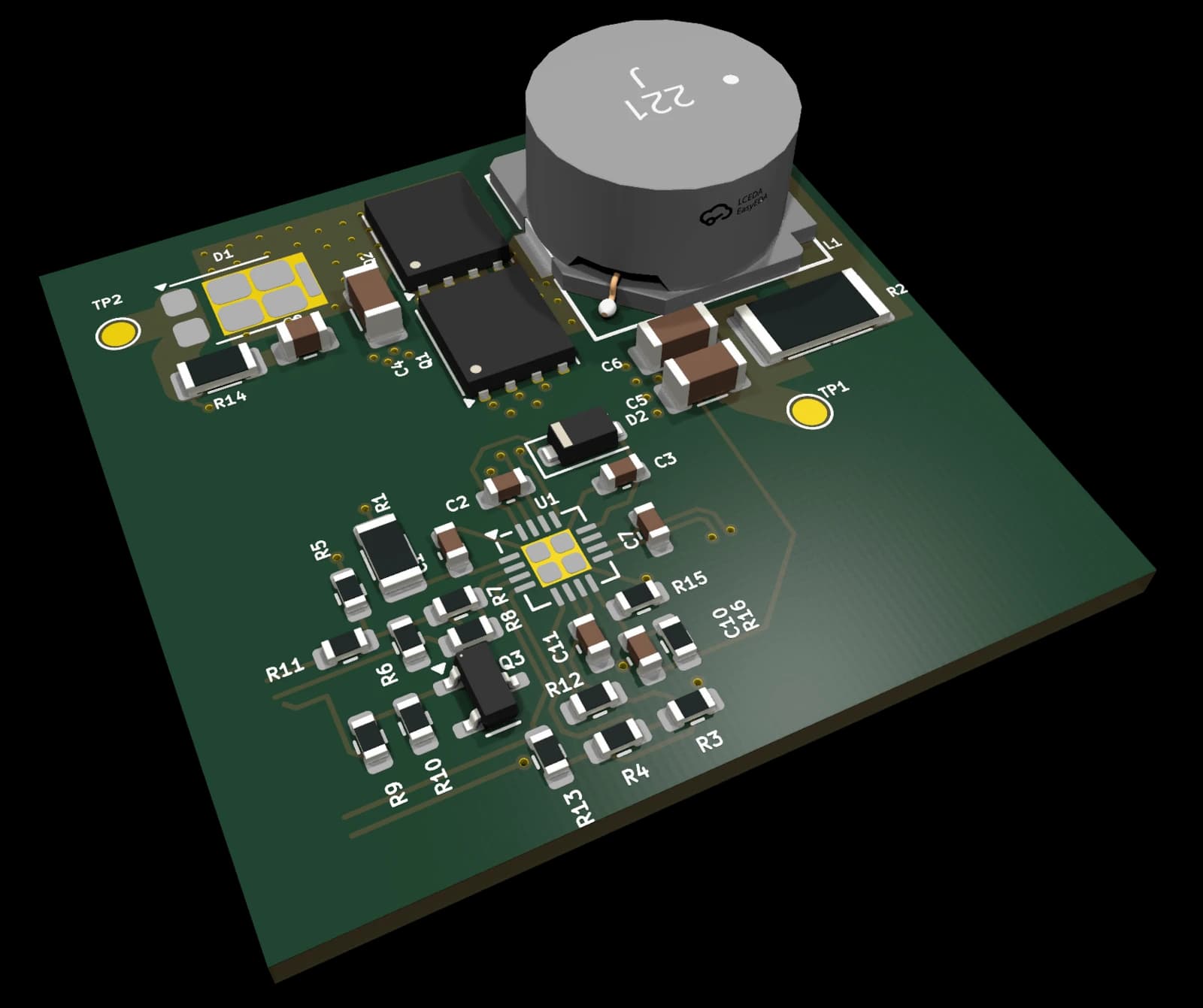
MPPT solar charger, lead-acid output (BQ24650)
KiCad 10 design block: TI BQ24650 MPPT charger for a 12 V lead-acid battery (14.1 V) from a solar panel up to 28 V; status and PV-voltage outputs.
Don't see what you need?
Request a custom template: describe the circuit and we'll build it.
Request a templateMore blocks in development
Already in our library and used in our own designs; they get a template page once they are ready for release.
- 0030MEMS microphone, PDM (Infineon IM72D128V01)
- 0040Voltage level translator 3.3 V → 5 V (74AHCT1G125)
- 0050Addressable RGB LED, side view (Inolux IN-PI42TASPRPGPB)
- 0090Low-Iq LDO 5 V → 3.3 V (RT9080-33GJ5)
- 0105Boost converter battery → 5 V, 0.5 A (TPS613222A)
- 0115High-side switch 3 A, up to 20 V (AO3401A + AO3400A)
- 0125Li-Ion / LiPo charger 4.2 V (MCP73832T)
- 0141ESP32-S3 core controller, MINI-1 module
- 0150Class-D audio amplifier 2.5 W mono (PAM8302A)
- 0200microSD card holder, SPI (Molex 47219-2001)
Planned Bundles
Sets of blocks that are designed to work together. Released once all their blocks are.
Power Pack
Power stage for solar-powered 12 V controllers: MPPT lead-acid charger, buck regulator and low-side load switch.
0120 · 0101 · 0110
ESP32 Complete System
ESP32-S3 core plus the power, measurement and switching blocks around it.
0140 · 0101 · 0110 · 0010
IoT Starter Bundle
Solar MPPT input, buck regulation and ESP32-S3 control for off-grid connected devices.
0120 · 0101 · 0140
Greenhouse Controller, built from these blocks
A solar-powered greenhouse controller on a 12 V lead-acid battery, currently being redesigned from the catalog blocks. The prototype bring-up is where blocks earn their “hardware verified” status.
What a template package contains
Planned contents of each release package.
KiCad 10 schematic
Symbols embedded, so it opens without our library.
PCB layout fragment
Component placement and routing to apply with KiCad’s Design Blocks.
BOM (CSV)
Manufacturer part numbers and LCSC codes.
Schematic PDF + README
Interface, specs, population options and design notes.
3D models
STEP models of the special parts; standard parts use KiCad’s own 3D library.
template.yaml
Machine-readable interface, limits and changelog.
Version and status
Every block is versioned; the status shows how far it has been checked.
Need a custom template or integration help?
We offer custom template design and hardware design services for teams who need something beyond the catalog.
Frequently Asked Questions
What is a KiCad design block?
A design block is a reusable piece of a KiCad project: a schematic section with its PCB layout fragment. In KiCad 10 you place the schematic block, then apply its layout on the board, and the parts come in already placed and routed.
Do I need KiCad to use the templates?
Yes, KiCad 10. Symbols and footprints are embedded, so you do not need our part library.
Why are most templates “coming soon”?
We only release a block once its review items are closed. Every template page shows the block version and its status, from draft through ERC/DRC clean to hardware verified.
What is PCB Composer?
A planned service that places these blocks as tiles and routes them into one board, so you can order a PCB without opening KiCad. It is not available yet; you can join the waitlist on its page.