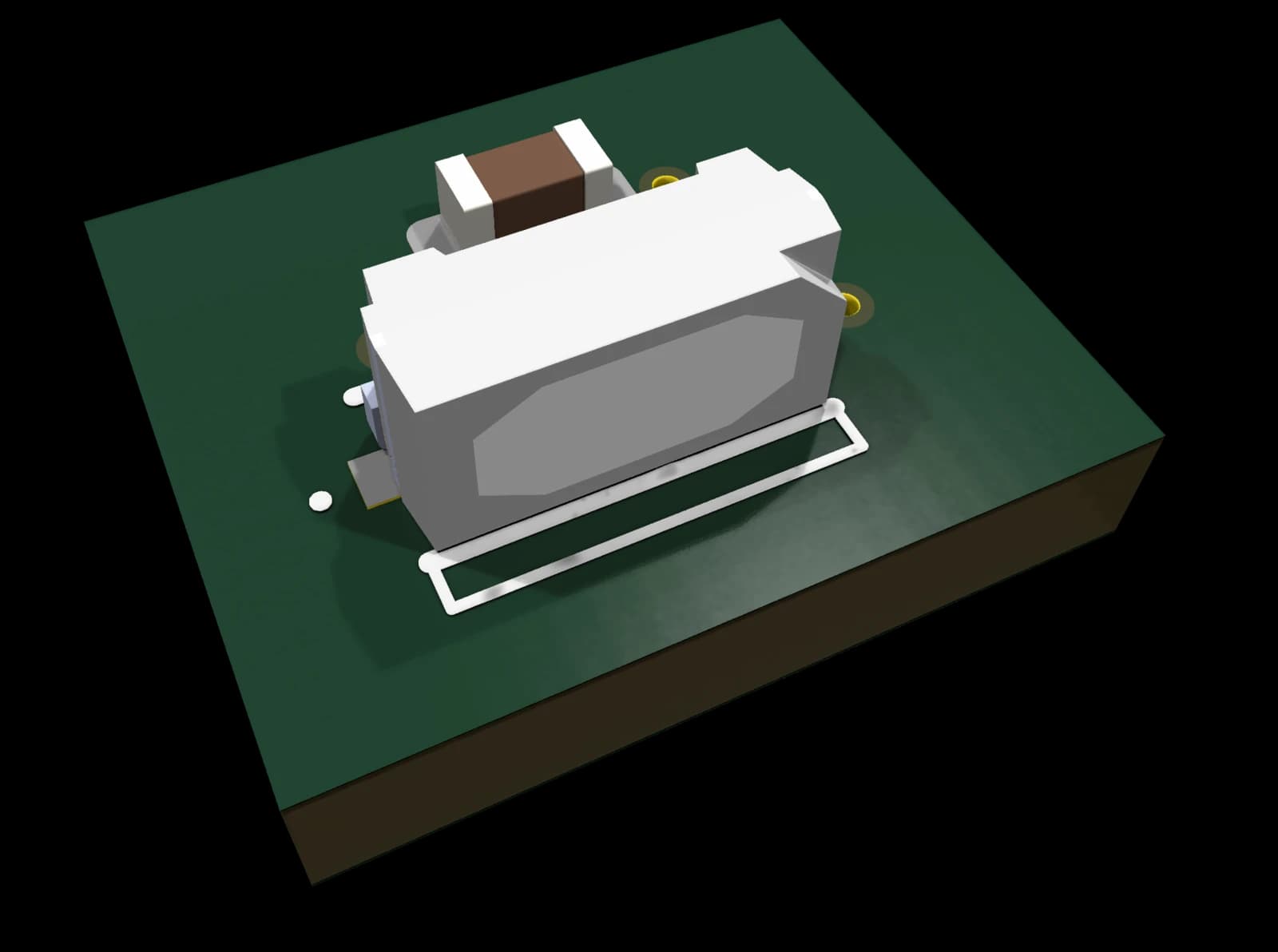
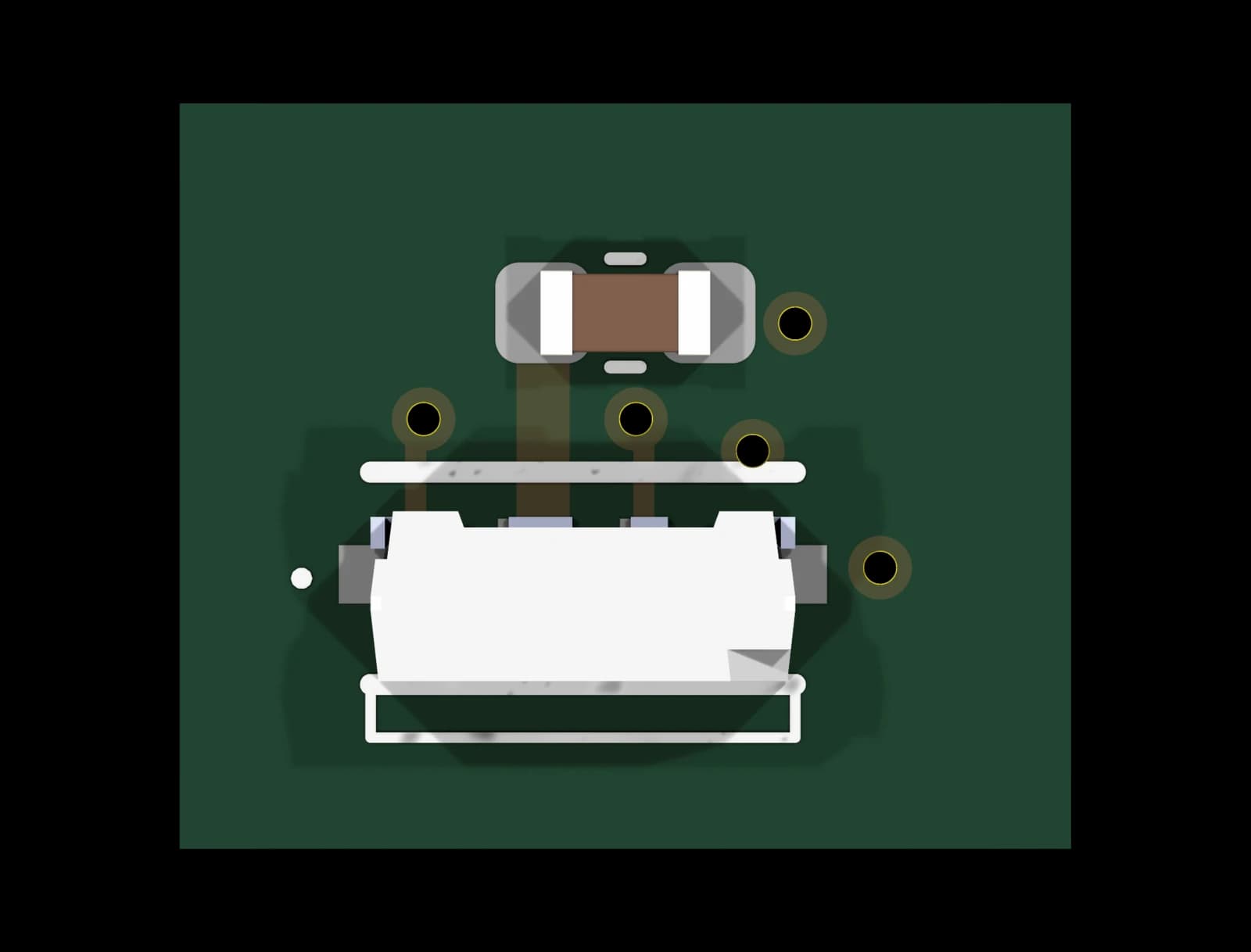
Addressable RGB LED, side view
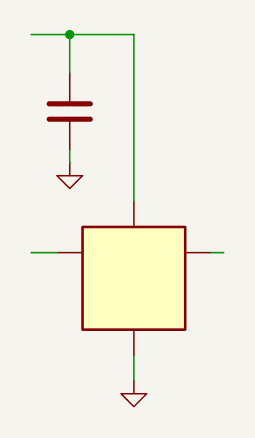
Side-emitting addressable RGB LED with the WS2812-type single-wire protocol, for status lights that shine out of the edge of a board. Local decoupling on the supply; data in and data out are brought out, so several blocks chain into a string. The labels carry the block ID, so several instances can sit on one sheet.
Key specifications
- Supply 3.7–5.5 V
- Single-wire 800 kHz protocol (WS2812-type)
- Data out regenerated for the next LED
Design notes
- At 5 V the data input needs 5 V logic: from a 3.3 V MCU put the 0040 level translator in front.
- Not built yet: one LED pin assignment is still to be confirmed against the datasheet before the first build.
This block is not available yet. It is released once its checks are complete. Planned price: €29.
Planned package contents
KiCad 10 design block
Schematic and PCB layout fragment; symbols and footprints embedded
BOM (CSV)
Manufacturer part numbers and LCSC codes
Schematic PDF + README
Interface, specs, population options and design notes
3D models
STEP models of the special parts; standard parts use KiCad’s 3D library
template.yaml
Machine-readable interface and limits
PCB Composer
Get blocks like this one composed and routed into one board for your device, without opening KiCad. Quote within 24 h.
About PCB ComposerDevelopment status
| Block ID | 0050 |
|---|---|
| Block name | 0050-rgb-led-addressable-side-view |
| Version | 1.0 |
| Status | DRC clean – Schematic and layout pass the KiCad rule checks; not yet verified on hardware. |
| Open review items | 1 (0 blocking) |
| PCB layout | Rule-checked layout fragment |
| Format | KiCad 10 design block (schematic + PCB) |
| Last change | 2026-11-03 |
Interface
Hierarchical labels the block exposes to the rest of your design. ${ID} is replaced per instance, so several copies can live on one sheet.
| Net | Direction | Description |
|---|---|---|
| VDD | Power in | LED supply 3.7–5.5 V |
| LED_DIGITAL_IN_${ID} | Input | Data in, from the MCU or the previous LED |
| LED_DIGITAL_OUT_${ID} | Output | Data out to the next LED |
FAQ
Which KiCad version do I need?
KiCad 10. The files are saved in the KiCad 10 format and are meant to be placed with KiCad’s Design Blocks feature (schematic block, then “Apply Design Block Layout” on the PCB).
Do I need the Circuit Issues part library?
No. Symbols are embedded in the schematic and footprints in the PCB, so the block opens on its own. Parts carry manufacturer part numbers and LCSC codes.
Is the layout production-ready?
The layout fragment passes the KiCad design rule check. Route it into your board and run DRC with your own fab rules.
Can I use the template in a commercial product?
The licence terms are published together with the first release.
Related templates
0040 Level Translator 3.3 V → 5 V
KiCad 10 design block: one-channel 3.3 V to 5 V logic buffer with TTL inputs, e.g. for the WS2812 / SK6812 LED data line from an ESP32.
DRC clean0140 ESP32-S3 Core (WROOM-2)
Free KiCad 10 design block: ESP32-S3-WROOM-2 (16 MB flash, 8 MB PSRAM) with native USB-C, ESD protection, BOOT/RESET buttons and 22 GPIOs on labels.
DRC clean0105 Boost Converter 5 V, 0.5 A
KiCad 10 design block: fixed 5 V boost converter from one Li-Ion / LiPo cell or 2–3 AA cells, 0.9–5.5 V in, about 0.5 A out.
DRC clean