Which Cable for the 3104-01 AUX AC Board: 5-Wire Lead or USB Socket
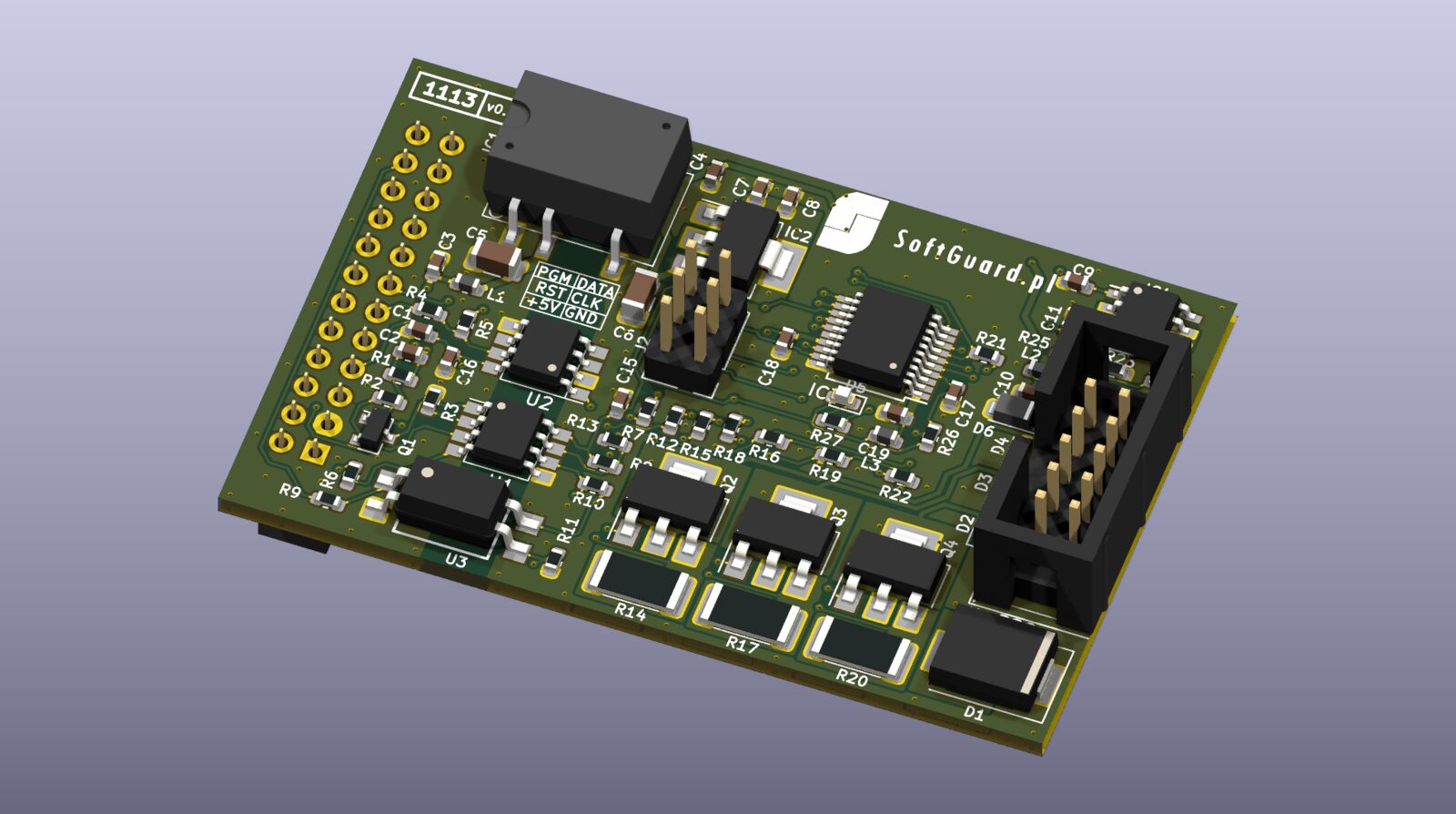
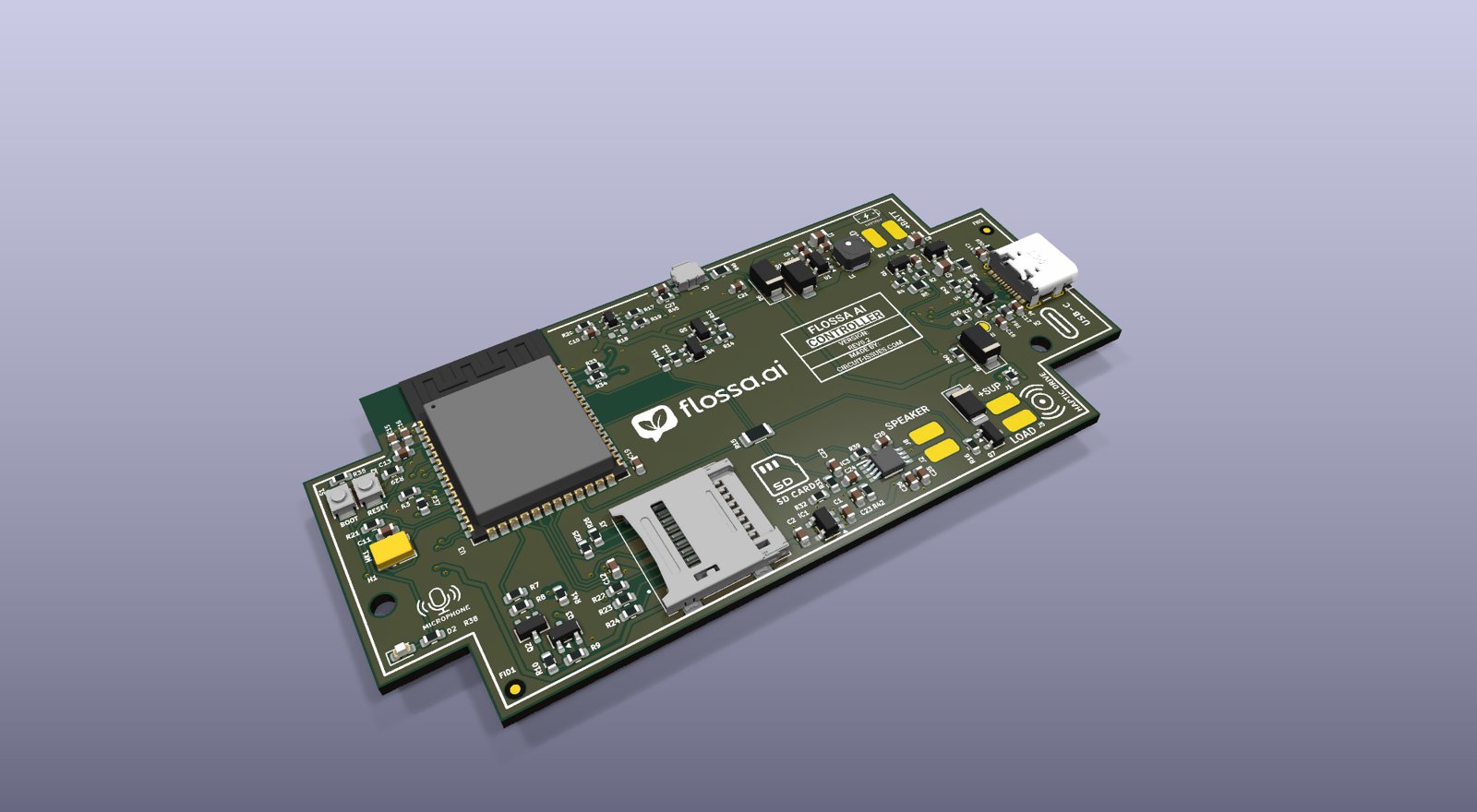
The 3104-01 board replaces the original Wi-Fi module of an AUX air conditioner. AUX connects that module in two ways, and the cable you need depends on which one your unit has.
Which one do you have?
Open the front panel (unit off at the breaker) and look at the Wi-Fi module.
- 5-wire lead: a small module board on a cable with a white 5-pin plug. The plug goes straight into the 3104-01.
- USB socket: a USB-stick Wi-Fi module in a USB-A socket, often held in a clip marked "WIFI" above the filter. You need the USB adapter cable.
Not sure? Send us a photo of the module, its plug and label.
What to order
| Your unit | Order |
|---|---|
| 5-wire lead | Board only: move the plug over |
| 5-wire lead, no module or cable | + 3104-01 cable (€3), bare wires to join |
| USB socket | + USB adapter cable (€5) |
| Any | + case (€5), screw or cable tie |
Pinouts
The board's J1 is a JST PH 2.0 mm 5-pin socket. Pinouts from the aux_ac hardware notes.
5-wire lead
| Wire | Signal | J1 |
|---|---|---|
| Yellow | +12…14 V | 5 |
| Black | GND | 4 |
| White | 5 V signal | free |
| Blue | AC TX | 2 |
| Red | AC RX | 1 |
USB socket (USB adapter cable)
| USB pin | Signal | J1 |
|---|---|---|
| 1 | about +8.5 V | 5 |
| 2 | AC TX | 2 |
| 3 | AC RX | 1 |
| 4 | GND | 4 |
Units made before about mid-2022 have TX and RX the other way round: swap J1-1 and J1-2 in the plug housing. A swapped pair damages nothing; the board just gets no data.
Warnings
- Power the board only from the supply line (yellow wire, USB pin 1). Never from the white 5 V wire: it is a signal to the AC controller.
- The AC's USB socket is not USB. Never plug a phone or flash drive into it.
- Switch the unit off at the breaker before opening it.
The case
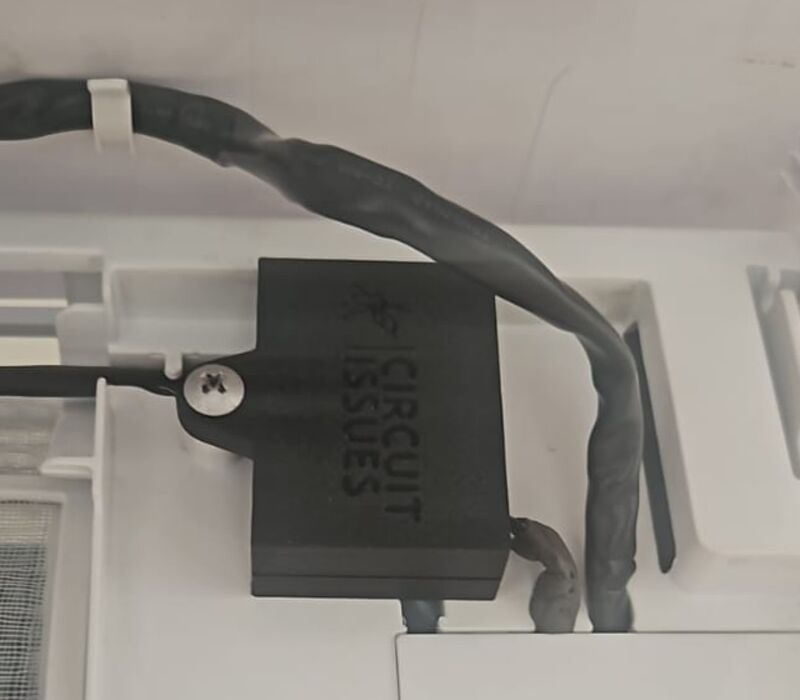
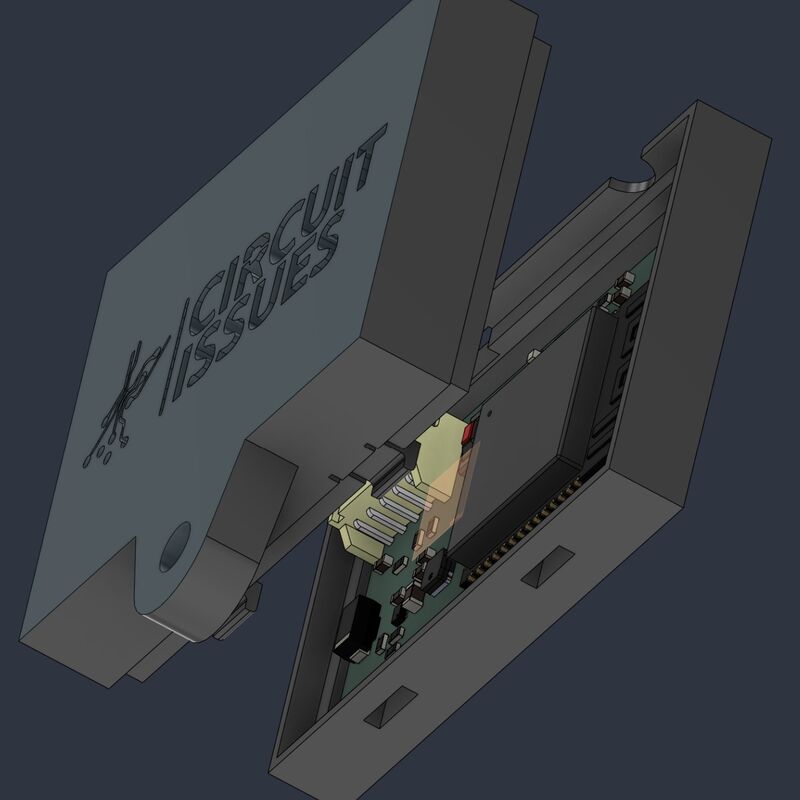
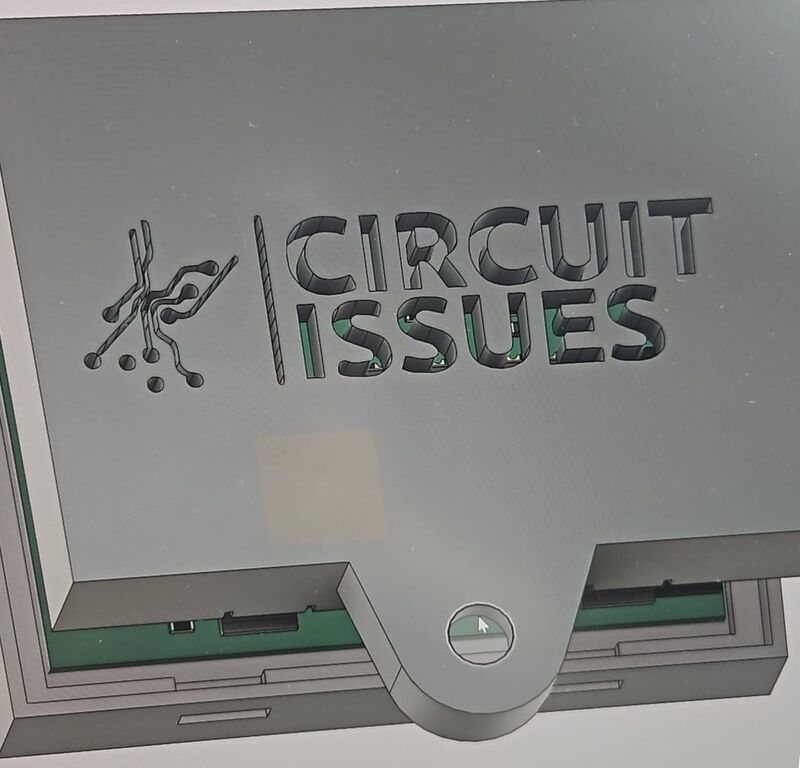
A black case for the board with a mounting tab: fix it with a screw through the tab or with a cable tie, away from the fan and the drain pan.
Order
The board, both cables and the case are on the product page. The design story is in the 3104 build log.